

Security Dogma is reader-supported. When you buy through links on this page, we may earn a commission at no extra cost to you. As an Amazon Associate I earn from qualifying purchases. Learn more
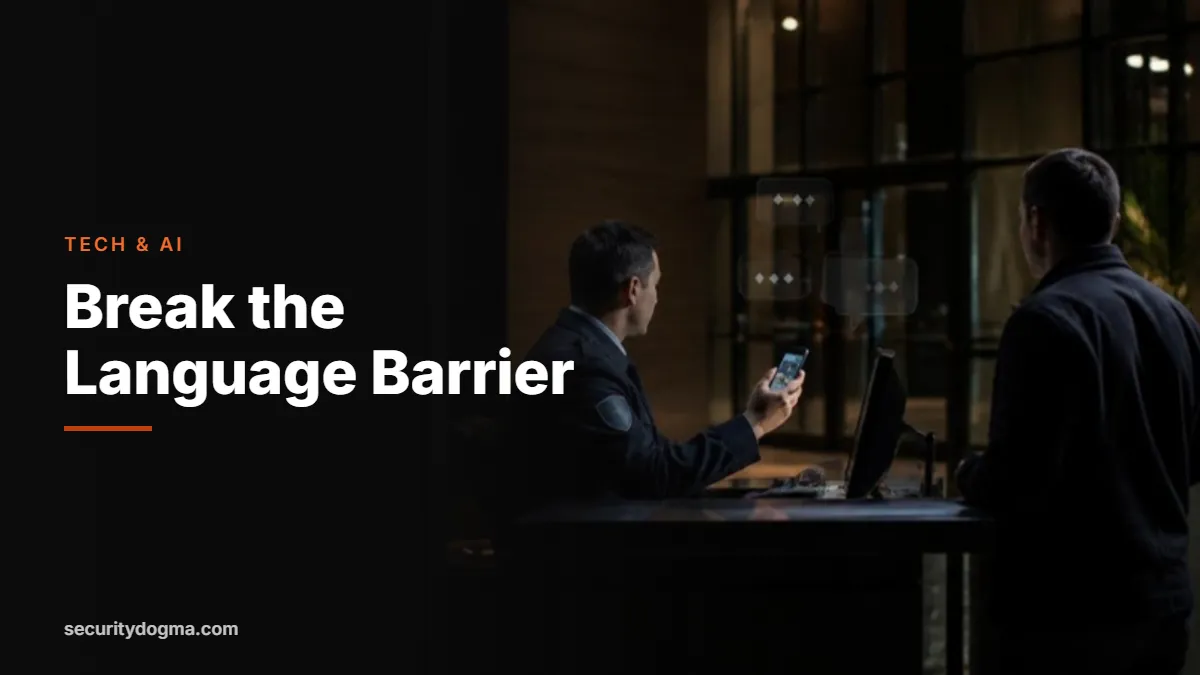
A lost child’s mother who speaks only Spanish. An injured tourist who speaks only Mandarin. A delivery driver who can’t understand why he can’t park by the fire lane. Security officers deal with the public all day, and a language barrier can turn a simple situation into a tense one in seconds.
Translation technology has improved dramatically. A free phone app can now carry a two-way conversation, and dedicated devices and translator earbuds go further. This guide covers the best translation apps and devices for security guards, how to use them on post and where their limits are. It’s part of our security guard technology and AI guide.
Quick answer
- Start free: Google Translate or Microsoft Translator on your phone, with your area’s main languages downloaded for offline use where available.
- Best for noisy posts: translator earbuds such as the Timekettle WT2 Edge, with a touch mode built for loud places.
- Low-tech backup: a printed “I Speak” language identification card so people can point to their language.
- Know the limit: don’t rely on an app for legal warnings, medical decisions or detentions. Get a qualified interpreter or let police and EMS handle it.
Why language matters on post
The U.S. Census Bureau has documented at least 350 languages spoken in American homes. In the New York metro area, 38% of residents aged 5 and older speak a language other than English at home; in the Los Angeles area, 54% do. Airports, hospitals, malls, hotels, stadiums, construction sites and residential towers all bring officers into daily contact with people who don’t speak English well.
When people can’t understand you, they get frustrated, and frustration looks a lot like aggression. When you can’t understand them, you can miss the one detail that matters, like the child’s name, the medication someone needs or the fact that a person isn’t trespassing but lost. Good communication is the first tool of de-escalation, and translation tools extend it to people you couldn’t otherwise reach.
Translation apps: free and already on your phone
Google Translate
Google Translate’s conversation mode listens to two people speaking different languages and translates each side out loud and on screen. Its camera feature translates signs, documents and labels by pointing the phone at them. You can also download many languages for offline use, which matters in basements, parking structures and remote sites. Offline features can be more limited than online ones, so test your downloaded languages before you count on them.
Microsoft Translator
Microsoft Translator also offers conversation translation, including a multi-device mode where each person sees the conversation in their own language on their own device. Microsoft notes that speech translation works only while online and that a headset or Bluetooth microphone improves recognition over a phone’s built-in mic.
Tips for using any translation app
- Speak in short, simple sentences. One idea per sentence.
- Avoid slang, idioms and security jargon (“10-4,” “post,” “trespass notice”).
- Let the other person see the screen; reading helps when audio is unclear.
- Confirm understanding by asking them to repeat back, or ask a yes-or-no question.
- Keep your voice calm and your body language open; the app translates words, not tone.
Translation devices and translator earbuds
Dedicated devices make sense when you translate often, work in noise or don’t want to hand your personal phone to a stranger. Two main categories exist: handheld translators that look like a small phone, and translator earbuds that let two people talk with less passing a device back and forth.
Timekettle’s WT2 Edge earbuds, for example, list 43 languages and 96 accents, 13 offline language pairs and several modes: a simultaneous mode for hands-free conversation, a touch mode where you tap to speak (useful in noisy places), and a speaker mode that plays your translated words out loud through a phone or speaker. Handheld translators such as Pocketalk are built for quick, point-and-talk translation with a large screen. Their language lists, data plans and offline abilities vary by model, so check the current specs before buying.
Timekettle WT2 Edge
43 languages · 96 accents · 13 offline language pairs · touch, simultaneous and speaker modes
The touch mode works well on loud posts, and the speaker mode lets you address someone without sharing an earbud. Good for officers who translate several times a shift.
Watch out for: Sharing an earbud with a stranger isn’t always practical or hygienic; speaker mode is often the better choice on post.
See current price →Pocketalk
Handheld two-way voice translator · large screen · data connection needed on many models
Built for one job: hold it up, speak and show the screen. Keeps your personal phone in your pocket and is simple enough for anyone to use.
Watch out for: Features, languages and offline support vary by model and data plan; check the current listing.
See current price →The low-tech backup: language ID cards
Before you can translate, you need to know which language someone speaks. The federal government’s limited English proficiency site, LEP.gov, publishes an “I Speak” language identification card with the phrase “I speak…” printed in dozens of languages. The person points to their language, and you choose it in your app. Print one, laminate it and keep it at your desk or in your notebook. It works with no battery and no signal.
Phrases worth preparing in advance
Look at the languages most common around your post, and save or print a handful of key phrases in each. Prepared, checked phrases are more reliable than live translation in a hurry.
| Situation | Phrase to prepare |
|---|---|
| Greeting and help | “Hello, I’m security. Can I help you?” |
| Directions | “The exit is this way.” / “The entrance is around the corner.” |
| Rules | “This area is closed.” / “Please don’t park here.” |
| Emergencies | “Are you hurt?” / “An ambulance is coming.” / “Stay here, please.” |
| Lost person | “What is the child’s name?” / “What is he or she wearing?” |
| Waiting | “Please wait here. Someone who speaks your language is coming.” |
Build a language kit for your post
The best time to prepare is before a language barrier shows up. Spend one shift putting together a simple kit, and the whole team benefits:
- Ask your supervisor or the client which languages visitors, residents or staff speak most often.
- Install a translation app on the post phone or your own, and download those languages for offline use where available.
- Print and laminate the “I Speak” card and your prepared phrases, and keep them at the desk and in the patrol vehicle.
- Note which staff members or tenants speak other languages and are willing to help in a pinch, and record it in the post orders.
- Add the local emergency number and the property address in the main languages, so a visitor can read them to a dispatcher.
- Test everything once with a coworker, including offline mode, and fix what didn’t work.
A kit like this costs almost nothing and shows a client that you think ahead, which is exactly what gets officers noticed and promoted.
When not to rely on translation technology
Machine translation is good for everyday communication. It isn’t reliable enough for situations where a misunderstanding has legal or medical consequences:
- Detentions and legal warnings. If you’re holding someone under your state’s citizen’s arrest or shopkeeper’s privilege rules, keep communication minimal and let police handle anything formal. See our guide to when security guards can detain people.
- Medical emergencies. Call 911 and tell the dispatcher which language the person speaks; emergency services have interpreter access.
- Written statements. Don’t ask someone to sign a statement you translated with an app. Note in your report which language was spoken and that a translation app was used.
- Use of force or arrest situations. Communication must be clear and documented. Get backup and a qualified interpreter if possible.
Recording and privacy when you translate
Translation apps and devices process speech, and many do it in the cloud. That means a conversation may leave your device. Don’t use translation tools for confidential information about your client, and follow your employer’s rules about personal devices and recording. If you work in an all-party consent state, be careful about any app or device that saves audio of other people. Our voice recorder guide explains the consent rules in more detail.
How to document a translated interaction
Your report should make clear how communication happened, so no one later wonders whether the person understood you. Note:
- The language the person spoke and how you identified it (for example, the “I Speak” card).
- The tool you used (app, device or human interpreter) and whether it worked well.
- Any moments where understanding was unclear and what you did about it.
- Whether a supervisor, police or EMS took over communication.
Our incident report template has a narrative section where this fits naturally, and our AI report-writing guide shows how to turn notes into a clean report without adding details you didn’t observe.
Frequently asked questions
What’s the best translation app for security guards?
Google Translate and Microsoft Translator are both free and capable. Install both, download your area’s main languages for offline use where available, and test them before you need them.
Are translator earbuds worth it for security work?
They’re worth it if you translate often or work in loud places. For occasional use, a phone app and a printed language ID card cover most situations.
Can I use a translation app during a detention?
Keep it to basic communication, and let police handle anything formal. Machine translation isn’t reliable enough for legal warnings or statements.
Do translation apps work without internet?
Some do, for downloaded languages, but offline features can be more limited. Microsoft says its speech translation works only online. Test offline mode before relying on it.
Should I write in my report that I used a translation app?
Yes. Note the language, the tool and anything that was unclear. It shows you made a real effort to communicate.
Sources
- U.S. Census Bureau — At least 350 languages spoken in U.S. homes
- Microsoft Translator — Conversation feature help
- PCWorld — Google Translate features
- Timekettle — WT2 Edge overview
- LEP.gov — “I Speak” language identification card
Verified against the sources above in October 2026. App features change often; test them on your own device.
Legal disclaimer: This page is for general information and education only. It is not legal advice, and reading it does not create an attorney-client relationship. Security Dogma is not a law firm. Laws, licensing rules and court decisions vary by state and change often, and what is written here may not match your situation or be current when you read it. Before you act on anything here, check the official rules from your state licensing agency, follow your employer’s and client site’s policies, and talk to a licensed attorney in your state for legal questions. See our Terms and Conditions and how facts are checked in our Editorial Policy.