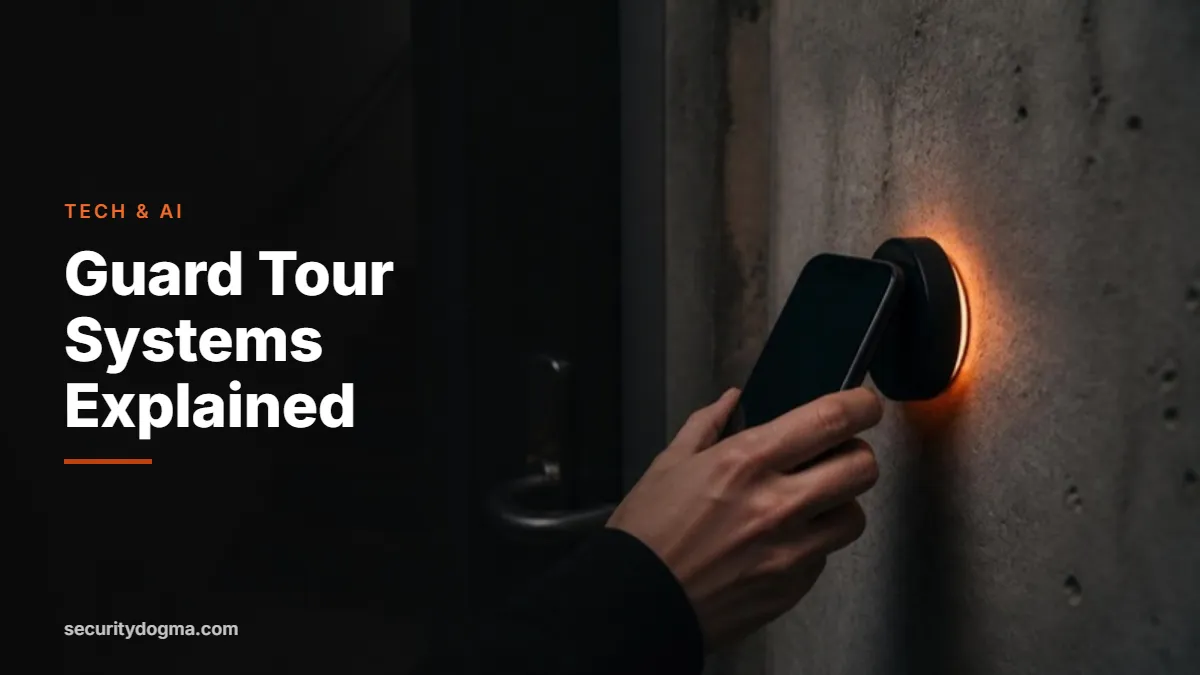

If you’ve worked a patrol post, you’ve probably scanned a tag on a wall, tapped your phone against a sticker by a stairwell door or carried a handheld that beeped at each checkpoint. That’s a guard tour system, and it’s one of the most common pieces of technology in private security.
This guide explains how guard tour systems and patrol apps work, the main types of checkpoints, what supervisors and clients actually see, and how to use the system so it protects you instead of tripping you up. It’s part of our security guard technology and AI guide.
Quick answer
- What it is: a system that records when an officer reaches each checkpoint on a patrol route.
- Main types: NFC tags, QR or barcodes, Bluetooth beacons, touch buttons and GPS geofences.
- What it proves: tags prove you were at the spot; GPS only shows you were nearby.
- Your advantage: automatic, time-stamped proof of every patrol you completed.
- Your risk: every missed, late or rushed scan is recorded too. Add a note whenever something prevents a scan.
What a guard tour system does
Clients pay for patrols they rarely see. A guard tour system gives them proof. Checkpoints are placed at important locations around a site, such as perimeter doors, stairwells, loading docks, mechanical rooms, roof hatches and parking levels. The officer scans each checkpoint during a round, and the system records which checkpoint was scanned and when.
Older systems were “pipe” or “wand” readers: a rugged handheld that touched metal buttons on the wall and stored the data until a supervisor downloaded it. Modern systems run on smartphones and send each scan to the cloud in real time. Most also let officers attach notes and photos, complete checklists at a checkpoint and report incidents from the same app, so the patrol log becomes part of the daily activity report.
Types of checkpoints compared
| Checkpoint type | How you scan it | Strengths | Weaknesses |
|---|---|---|---|
| NFC tag | Tap your phone within a few centimeters | Proves physical presence; fast; no line of sight needed | A tag is needed at every checkpoint; some phones need NFC turned on |
| QR code or barcode | Point the camera at the code | Cheap, easy to print and replace | Can be photographed and scanned elsewhere; needs light and a clean code |
| Bluetooth beacon | Phone detects it nearby automatically | Hands-free; works without tapping | Detects proximity, not exact position; batteries need replacing |
| Touch button (iButton) | Touch a wand to a metal button | Very durable; works outdoors and in harsh conditions | Requires a dedicated reader; data may not be real time |
| GPS geofence | Phone records location within an area | No hardware to install; good for large outdoor sites | Shows you were nearby, not at the exact point; weak indoors |
Security software companies such as Trackforce point out the key difference: NFC proves presence, while GPS only suggests it. That’s why many sites combine methods, using NFC tags at critical doors and GPS to show the route between them.
What supervisors and clients see
Understanding the other side of the screen helps you use the system well. Depending on the platform and how it’s set up, supervisors and clients may see:
- Each scan with its time and checkpoint name
- Missed or late checkpoints, often with an automatic alert
- The time between checkpoints, which shows whether a round was rushed
- Notes, photos and checklist answers you attached
- GPS location history while the app is running, on systems that use it
- Patrol completion rates by officer, shift and site
Clients often receive a daily or weekly report built from this data. When a client questions whether a patrol happened, the patrol log is usually the first thing a supervisor checks.
How guard tour data protects officers
Officers sometimes see patrol systems as surveillance of themselves, and there’s some truth to that. But the same data is often what clears an officer. If a client claims nobody checked a door that was found open in the morning, a scan at that door at 0300 with a note that it was secured tells a different story. If a slip-and-fall claim says a hazard was ignored for hours, your scans and photos show when you saw it and what you did.
Think of it this way: your patrol log is your alibi. Make it complete.
How to work a patrol with a tour system: best practices
- Learn the route and the checkpoints on your first shift. Ask for the list and a walk-through. Know what each checkpoint is meant to check, not just where the tag is.
- Actually inspect, then scan. The scan proves you were there; your note proves you looked. Check the door, the lock, the gauge or the area before you tap.
- Add a note when something is off. A propped door, a leak, a burned-out light: note it at the checkpoint with a photo if permitted, and follow up in your report.
- Explain every miss. If a checkpoint is blocked, damaged or unreachable, record why right away. An unexplained miss looks like a skipped patrol.
- Don’t rush the clock. Rounds completed in impossible times raise questions. Patrol at a pace that lets you observe.
- Vary your timing if allowed. Predictable patrols are easy to watch and avoid. Many post orders allow, or require, random patrol times within each hour.
- Report broken tags and dead beacons. Faulty hardware creates misses that look like yours.
- Keep your device charged. A dead phone means no scans. Carry a power bank on long shifts.
How tour systems differ by post type
- Office and residential towers: NFC tags at stairwell doors, roof access, mechanical rooms and garage levels. Expect strict round times and frequent client reports.
- Warehouses and industrial yards: a mix of NFC at doors and docks and GPS for long fence lines, often patrolled by vehicle. Weatherproof tags matter.
- Construction sites: checkpoints move as the build changes. QR codes are common because they’re cheap to replace. Report missing codes quickly.
- Retail and malls: checkpoints at exits, loading areas and back corridors, often combined with loss prevention checklists.
- Hospitals and campuses: large routes with many buildings, sometimes with beacons that log rounds automatically. Your notes on doors, lighting and hazards are especially valuable.
Whatever the site, ask why each checkpoint exists. A tag by a fire door is there because that door matters. Knowing the reason makes you check the right things, and it shows when you explain your patrol to a supervisor.
Common problems and how to handle them
| Problem | What to do |
|---|---|
| Tag won’t scan | Check NFC is on, remove a thick case, try again; if it still fails, note “tag not reading” with the time and report it |
| No signal in a stairwell or basement | Most apps store scans offline and sync later; confirm your app does, and don’t uninstall or force-close it before it syncs |
| QR code faded or damaged | Photograph the damage, note it and request a replacement |
| App crashed mid-round | Restart, continue from where you were and note the gap |
| Checkpoint blocked by construction or a locked door | Note the reason and inform the supervisor so the route can be updated |
| GPS shows you off-route | Explain in a note (for example, responding to an alarm) so the record makes sense |
Privacy: what about tracking officers?
Patrol apps that use GPS can record where you are while the app is running. Employers generally have wide latitude to monitor work activity on work time, but rules on employee monitoring and location tracking vary by state, and some places require notice. If you use a personal phone for a patrol app, ask whether the app tracks location only during the shift and what data is collected. A company-issued device keeps work tracking off your personal phone. This isn’t legal advice; if you have concerns, ask your employer for the policy in writing.
Common platforms you may meet
You don’t choose the platform; your employer does. But knowing the names helps on a résumé and in interviews. Industry sources list platforms such as TrackTik and Trackforce, TEAM Software, Belfry, THERMS and QR-Patrol, each supporting different checkpoint types. Most work the same way: you log in at the start of your shift, follow the assigned tour, scan checkpoints, attach notes and submit incident or activity reports through the app.
If you have experience with any of these, put it on your résumé. Supervisors and site managers increasingly need to set up routes, read compliance reports and train new officers on the system, and that experience is a step toward those roles. Our tech skills and certifications guide covers more ways to build that edge.
From tour data to better reports
Your patrol log and your written report should tell the same story. When you write your DAR or an incident report, use the times from your scans, refer to checkpoints by the same names the system uses and mention any notes or photos you attached. If you use AI to help write reports, give it the scan times as part of your notes, and follow the safety rules in our AI report-writing guide.
Frequently asked questions
What is a guard tour system?
It’s a system that records when a security officer reaches each checkpoint on a patrol, usually with NFC tags, QR codes, beacons, touch buttons or GPS, and reports the results to supervisors and clients.
Is NFC or QR better for guard tours?
NFC proves physical presence better, because you have to be within centimeters of the tag. QR codes are cheaper and easy to replace, but a photo of the code can be scanned elsewhere.
Can my employer track my location with a patrol app?
Often yes, during work time, though rules vary by state. Ask for the company policy on what’s tracked and when.
What happens if I miss a checkpoint?
Most systems record the miss and may alert a supervisor. Add a note explaining why as soon as possible.
Do guard tour systems work without internet?
Many apps store scans offline and upload them when a connection returns. Check how your app handles this before you patrol a dead zone.
Sources
- Trackforce — Guard tour systems with NFC integration
- Omnigo — Digital guard tour system checkpoint options
Reviewed in October 2026. Features vary by platform and employer configuration; follow your post orders.
Legal disclaimer: This page is for general information and education only. It is not legal advice, and reading it does not create an attorney-client relationship. Security Dogma is not a law firm. Laws, licensing rules and court decisions vary by state and change often, and what is written here may not match your situation or be current when you read it. Before you act on anything here, check the official rules from your state licensing agency, follow your employer’s and client site’s policies, and talk to a licensed attorney in your state for legal questions. See our Terms and Conditions and how facts are checked in our Editorial Policy.